Checking the translation


Partner Check

TEAM CHECK
COMMUNITY CHECK
CHURCH
LEADER
CHECK
Work with your translation partner to check your draft.
- Read the story out loud to your peer.
- Your peer will listen and think about how natural it sounds.
- Edit your translation to sound more natural.
- Read the story out loud again, and this time listen for accuracy.
- Correct anything that was missing, added, or changed.
- Repeat for the passage they translated.
Bring the team together to find consensus on translation.
- Consolidate the story into a single copy.
- Read the story out loud to the team at least two times.
- The first time, the team notes naturalness and clarity.
- The second time, focus on accuracy using tNotes and tQuestions.
- Make changes to create a master copy.
- Load the master copy back on to each team member's device.
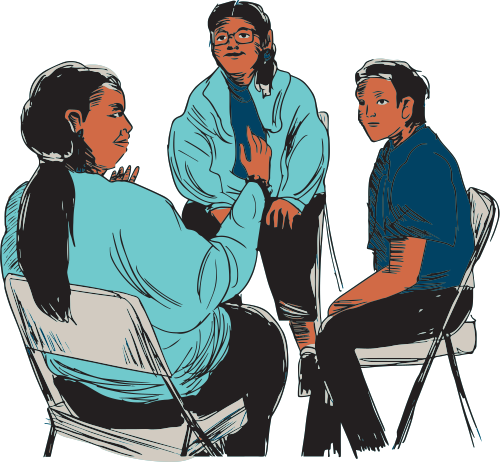
Native speakers of the target language community will assist translators in making their translations as clear and natural as possible.
- Gather a variety of ages and backgrounds from the community.
- Read or play a recording of the OBS.
- Ask the listeners to stop the story any time they hear something that is not natural.
- Record their answers to share with the translation team to make changes.
Find church leaders who are speakers of the target language to ensure accuracy.
- Have church leaders read the story in gateway language stories and then read the translation.
- Make note of any changes they suggest and discuss with the translation team.
- The translation team will make changes and have checkers verify that they were made correctly.
- Complete the verification documentation.